




AW8 Login – Access Your Account in Singapore and Malaysia
Register now
The AW8 login gives registered users access to their account, balance, casino games, sportsbook, promotions and payment tools. Existing members normally sign in with the username and password created during registration, while mobile users can use compatible browser access or AW8’s supported mobile options. Access rules are not the same in Singapore and Malaysia. AW8 currently maintains Malaysia-facing services and mobile pages. Singapore’s Gambling Regulatory Authority states that Singapore Pools is the only operator licensed to provide remote gambling services in Singapore. Participation in unlicensed remote gambling is an offence there, so users physically located in Singapore should use only services permitted under Singapore law.
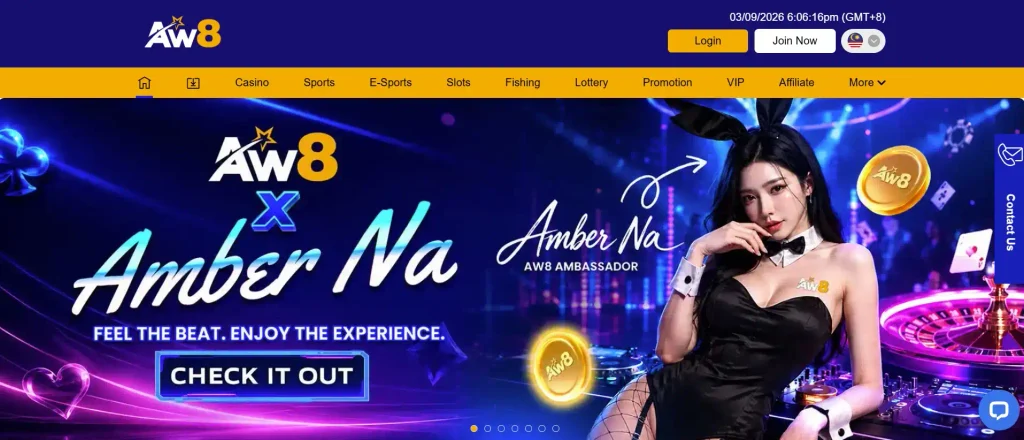
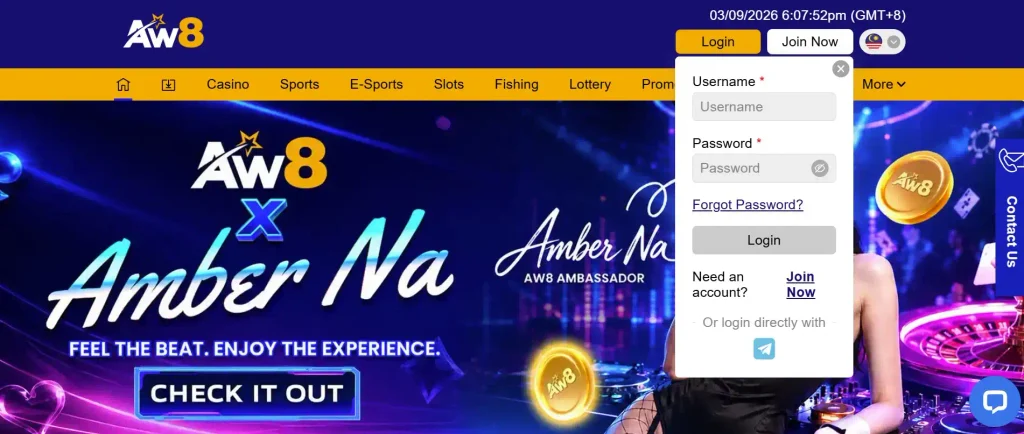
How to Log In to Your AW8 Account
Registered AW8 users do not need to create a new profile whenever they return to the platform. The existing account credentials are used to open the same player profile across supported devices.
Before entering login details, users should confirm that they are on the AW8 service they normally use. Passwords and account information should never be submitted through links received from unknown sources.
AW8 Login with Registered Account Details
The login process relies on the details connected to the existing AW8 account. A username and password created during registration should remain the primary credentials unless one of them has subsequently been changed.
Users should enter both fields carefully. Extra spaces, incorrect capitalisation, an outdated saved password or browser autofill can all cause a valid account to appear inaccessible.
Existing members should avoid registering a second profile just because a login attempt fails. Password recovery or customer support is normally the correct route for restoring access.
Step-by-Step AW8 Sign-In Process
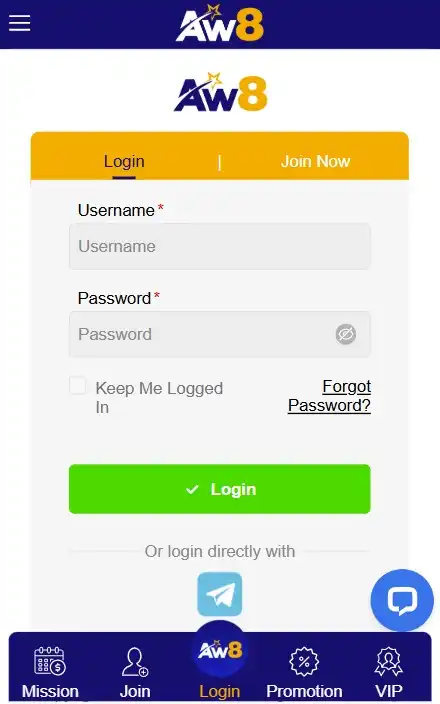
A standard AW8 sign-in can be completed in a few steps:
- Open the AW8 platform normally used for the account.
- Select the Login or sign-in option.
- Enter the registered username.
- Type the current account password.
- Check both fields for errors.
- Submit the login form.
- If access fails, use password recovery or contact support instead of repeatedly guessing credentials.
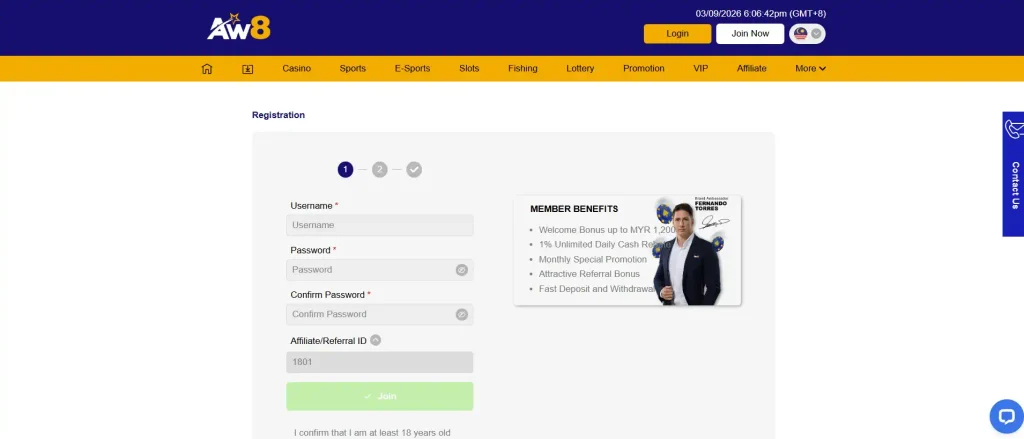
After a successful login, users can open the account features available on their regional version.
AW8 Login on Mobile Devices
AW8 supports mobile access, allowing users to manage an account from a smartphone instead of relying on a desktop computer.
The current Malaysian AW8 mobile page advertises an Android application and also refers to binding an existing account after login.
Login Through the AW8 Mobile Website
A mobile browser provides one of the simplest ways to access AW8 without installing additional software.
Users can open the supported AW8 mobile site, select Login and enter the same credentials used on desktop. The interface is adapted to smaller screens, but the underlying account remains the same.
Browser-based access can be convenient for users who only occasionally open AW8 or do not want another application installed on their phone.
Login Through the AW8 App
AW8’s current Malaysia-facing download page promotes a dedicated Android mobile application. It also states that existing users should log in to their account when using the account-binding function.
This means an existing player does not normally need another registration simply because they switch from the website to mobile access.
Users should obtain mobile software through the AW8 source they trust rather than downloading installation files from unknown third-party sites.
AW8 Login Problems and Solutions
A failed login does not automatically mean the account has disappeared. Most access problems are connected to credentials, account status or a temporary technical issue.
| Login Problem | What to Check |
| Username rejected | Confirm spelling and registered username |
| Password rejected | Remove typing errors or use password recovery |
| Account restricted | Contact support for an account-status review |
| Page not opening | Check connection, browser and platform availability |
| App not responding | Restart the app or use supported mobile web access |
| Repeated login failure | Stop guessing credentials and contact support |
Identifying the type of problem first usually prevents unnecessary changes to the account.
Incorrect Username or Password
Incorrect credentials are among the most common login problems.
A browser may automatically insert an old password, particularly after a recent password change. Users should remove saved text and enter the current password manually.
The username also needs to match the registered account. If either credential has genuinely been forgotten, recovery is safer than attempting many different combinations.
Account Locked or Temporarily Restricted
An account can sometimes become temporarily unavailable because AW8 requires additional verification or needs to review account activity.
The exact reason for a restriction depends on the individual case. Users should not try to bypass an account restriction by creating another profile.
Instead, contact customer support and ask what information or action is required to restore the original account.
Login Page Not Loading
A page-loading problem may be unrelated to the player’s credentials.
A weak connection, temporary platform maintenance, browser cache issue or outdated app can interrupt access. Users can test another reliable internet connection, restart the browser and confirm that they are using the current supported AW8 platform.
If the site remains unavailable, customer support should be used rather than searching for random mirror pages or unfamiliar download links.
How to Reset Your AW8 Password
A forgotten password should be handled through the account-recovery process rather than by registering again.
Recovering Access to Your Account
Start from the AW8 login area and select the available password-recovery option. Enter the account details requested by the recovery form and complete the verification step.
Once a new password is accepted, remove the previous password from browser autofill or any outdated saved-login record.
A new password should be different from passwords already used for email, banking or other online services.
What to Do If You Cannot Receive the Reset Code
Some recovery processes rely on a registered phone number, email address or another confirmation method.
If the user no longer has access to that contact channel, repeatedly requesting new codes will not solve the problem. The correct next step is to contact AW8 support and explain that the registered recovery method is unavailable.
Support may require information to verify account ownership before account access can be restored.
AW8 Account Security
Account security is particularly important because an AW8 profile may contain personal information, payment history and an active balance.
AW8’s current Malaysian mobile page states that personal information is treated confidentially and displays Iovation and ThreatMetrix among its security services.
Protecting Your Login Details
A strong login routine starts with a unique password. The same password should not be reused across gambling, email and social media accounts.
Users should also keep their password private, avoid entering credentials on shared computers and log out after using a device they do not control.
A screen lock or biometric lock adds another useful layer of protection for mobile users.
Verification and Account Security Checks
AW8 may request verification when it needs to confirm the identity of an account holder or review certain account and payment activities.
Users should respond only through recognised account or support channels and provide the specific documents requested.
Passwords should never be sent through ordinary chat. A legitimate verification process should not require a user to reveal their complete account password to another person.
Registering an AW8 Account
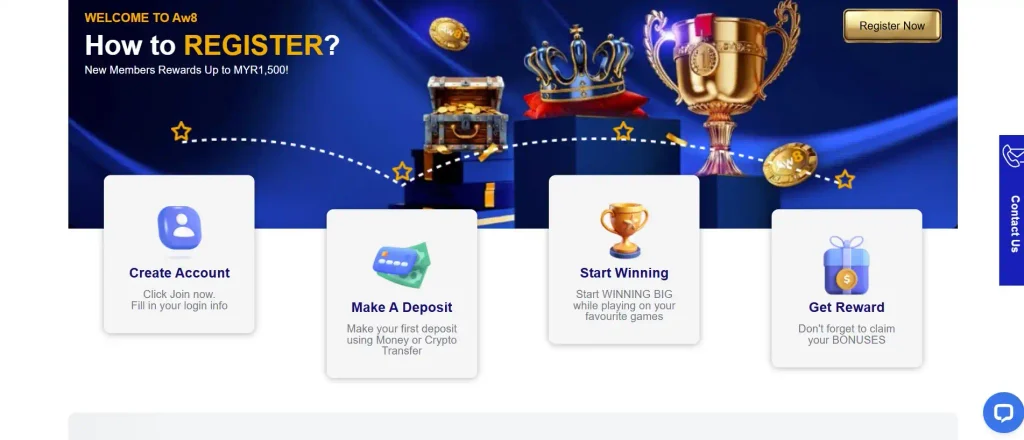
Only new users need to register before logging in. Existing players should continue using their original account.
Creating a New Account Before Login
Registration begins through the account creation option provided by the relevant AW8 platform.
A new user normally chooses login credentials, provides the requested contact information and completes any confirmation steps presented during signup.
Once registration is complete, those credentials become the details used for future AW8 access.
Information Required During Registration
The exact form can change, but registration may request information such as a username, password, phone number or other personal details.
Users should enter genuine information. Incorrect details can become a problem later if account ownership needs to be confirmed during password recovery, verification or payment processing.
The information should also match payment ownership details where AW8 requires that connection.
AW8 Login for Singapore and Malaysia Users
Regional differences matter when discussing AW8 account access.
Accessing AW8 from Singapore
AW8 should not be described as a licensed remote gambling operator in Singapore.
Singapore’s Gambling Regulatory Authority states that gambling is prohibited unless licensed or exempted, and Singapore Pools is the only operator licensed to provide remote gambling services. GRA also states that participation in unlicensed remote gambling is an offence.
Singapore authorities also block access to unlawful remote gambling services and related payment transactions. These blocking functions have been handled by the Singapore Police Force since January 1, 2025.
For that reason, a person physically located in Singapore should not treat AW8 login availability as evidence that the service is authorised there.
Accessing AW8 from Malaysia
AW8 currently maintains Malaysia-facing pages, including a dedicated mobile application page using the en-my regional format.
The Malaysian mobile page advertises Android access, existing-account binding, registration and 24-hour customer support.
Registered users accessing an eligible Malaysian service can normally use their established login credentials across supported desktop and mobile devices.
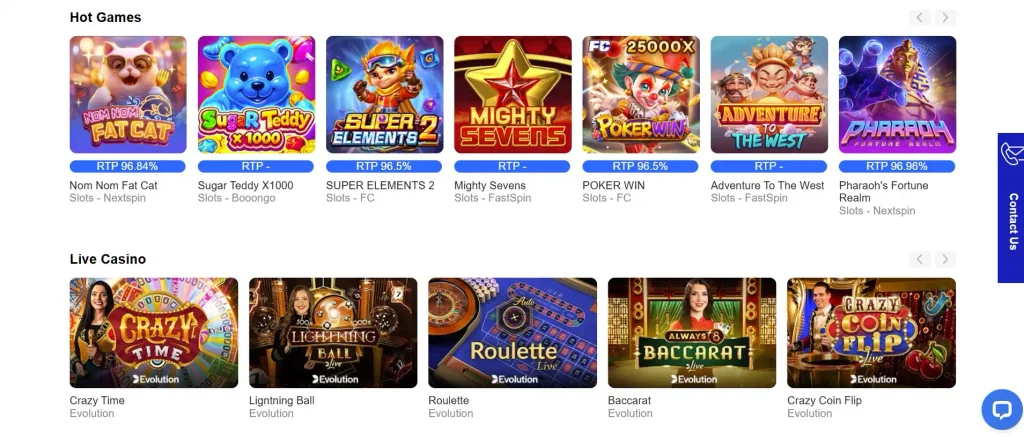
AW8 Login Support
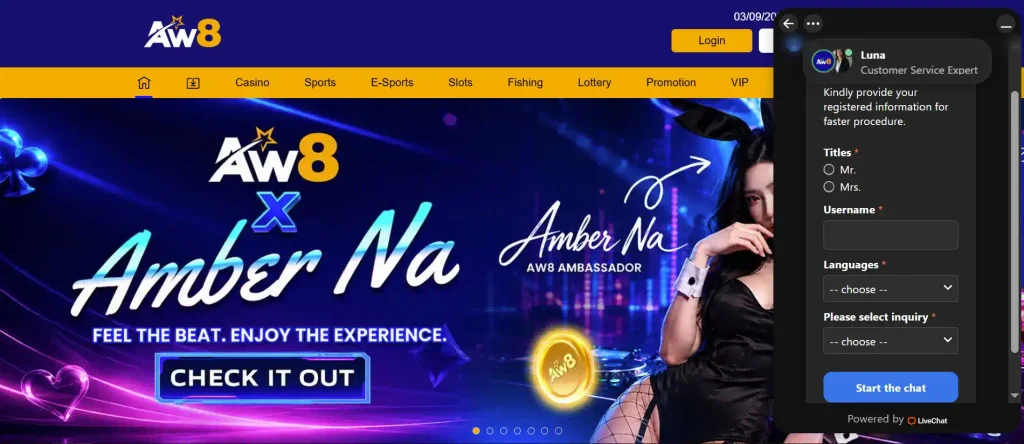
Customer support is the appropriate route when standard login troubleshooting or password recovery does not restore access.
Contacting Customer Support for Login Issues
AW8 states on its current Malaysian mobile page that its Customer Support Team is available 24 hours a day.
Support may be useful when the account is restricted, a reset method is unavailable, credentials continue to fail or suspicious activity appears on the account.
Users should contact support through recognised AW8 channels rather than replying to unsolicited messages claiming to represent the company.
Information to Prepare Before Contacting Support
Having accurate account information ready can make troubleshooting easier.
Useful details can include the registered username, contact information linked to the account, device type, approximate time of the failed login and the error message displayed.
If the problem involves a payment, the relevant transaction reference may also help. Users should not include their password, full bank credentials or unnecessary sensitive information in an ordinary support message.
Frequently Asked Questions About AW8 Login
Existing users open the relevant AW8 platform, select Login and enter their registered username and current password. If those details are rejected, use account recovery rather than creating a second profile.
Open the password-recovery option from the login page and follow the verification instructions. If you cannot access the registered recovery contact, contact AW8 customer support for assistance.
AW8 currently provides mobile access for its Malaysian service and promotes an Android application. Existing users can use the same established account rather than creating a separate mobile profile.
An account may be restricted because additional verification or an account review is required. The precise reason can only be confirmed for the individual account, so contact support instead of trying to open another profile.
Normally, yes. AW8’s Malaysian mobile page specifically supports binding an existing account and instructs existing users to log in before doing so.
Use the customer-support option available through the AW8 platform you normally use. AW8’s current Malaysian site states that customer assistance is available 24 hours a day.